Install Pandora

Tap the button to download the app, then follow the steps below to install it.

Read manga, manhwa and manhua
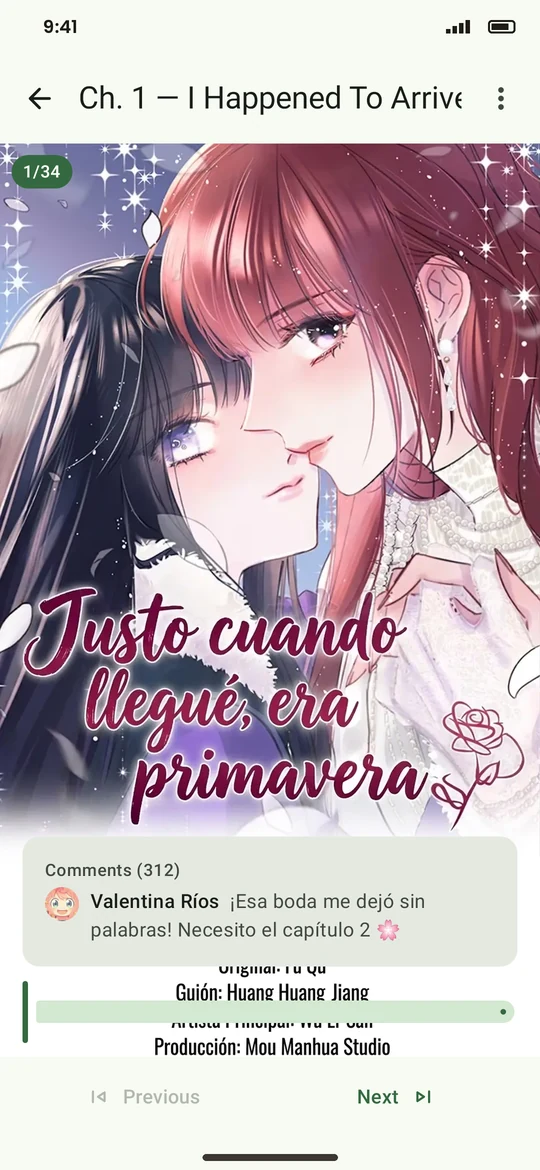
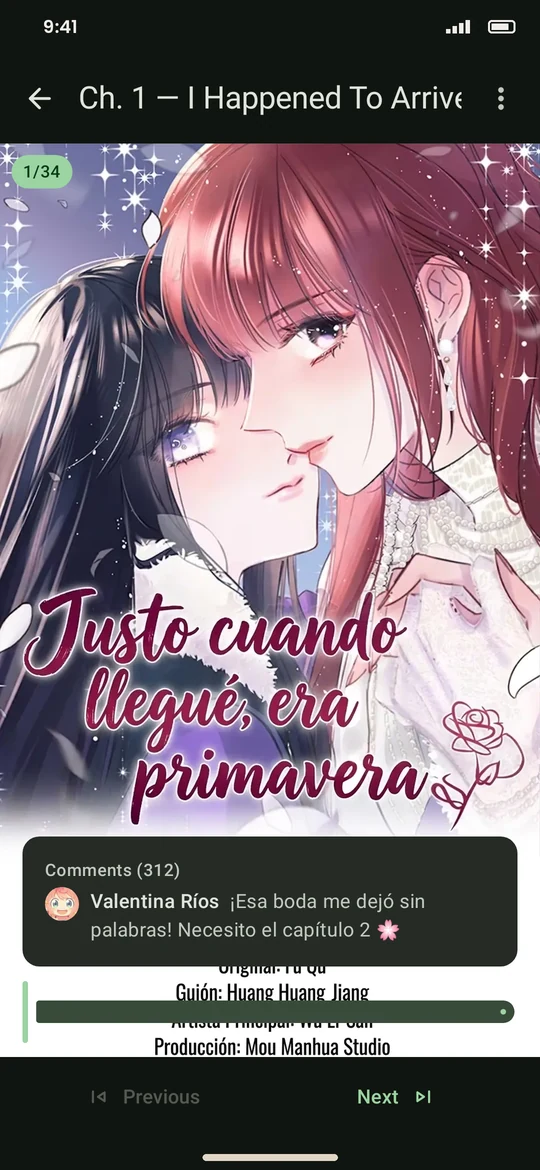
The chapter reader

All your anime and manga in one place
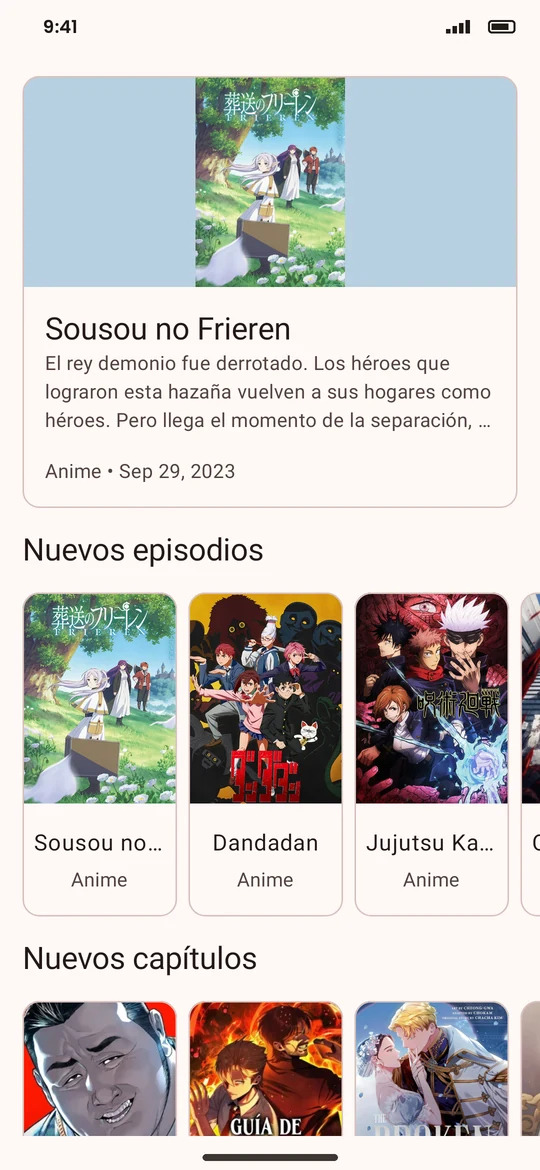
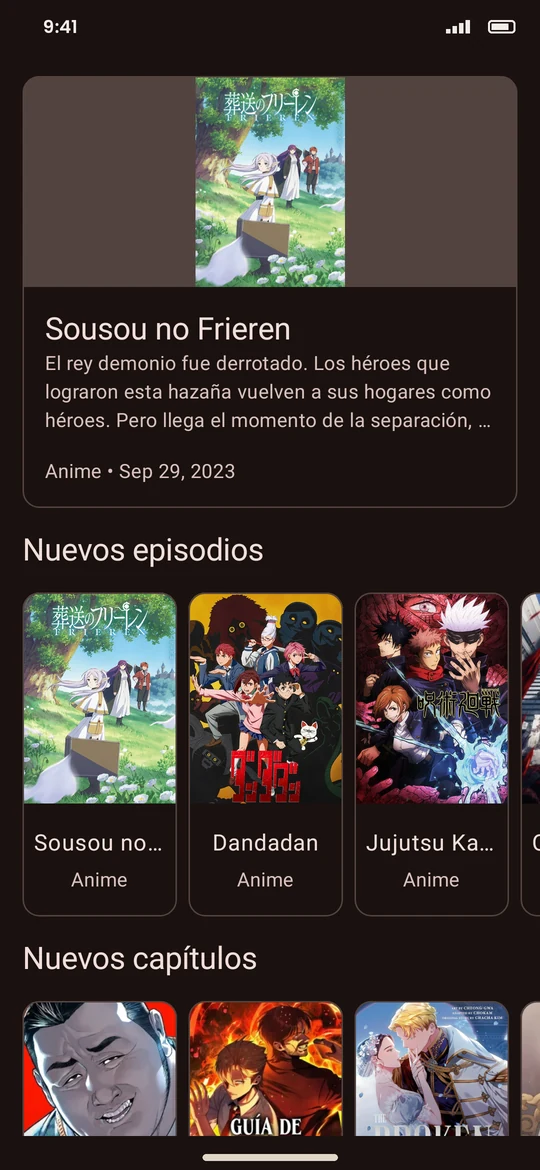
For You: what's new in anime, manga and manhwa

Save it to your favorites

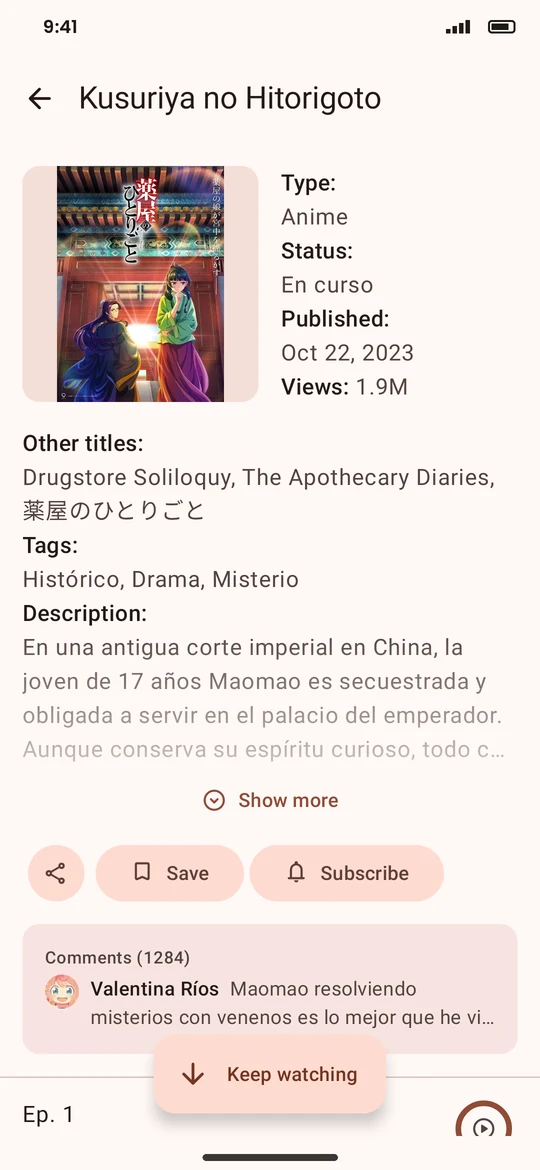
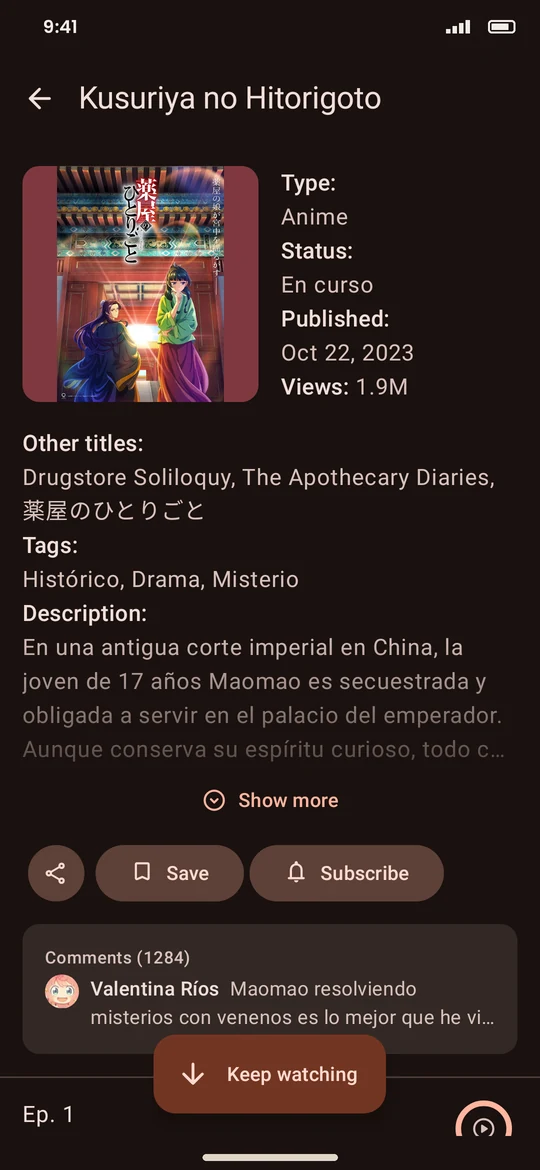
A story's details

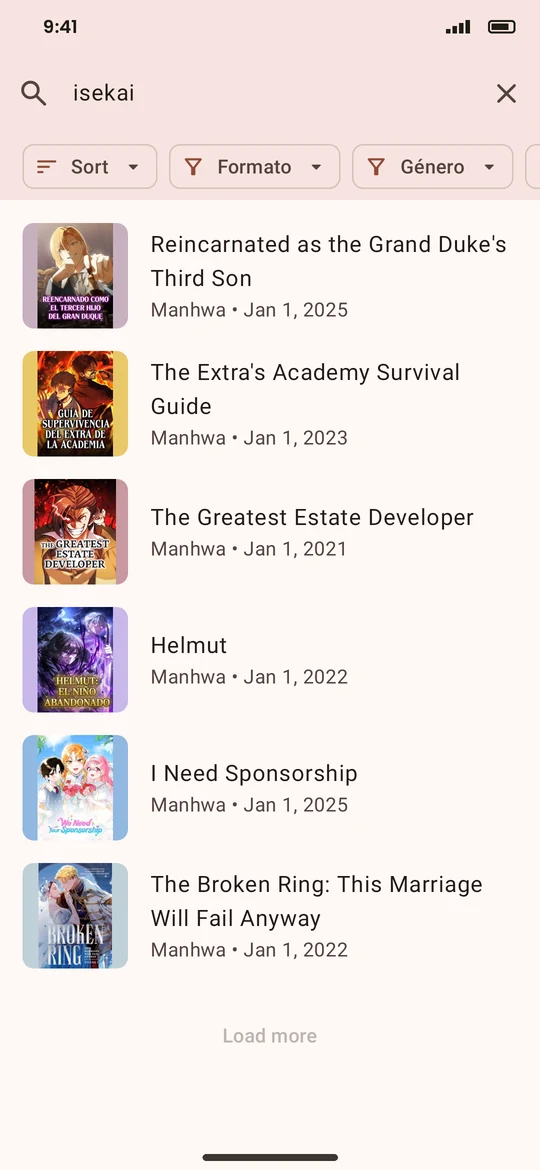
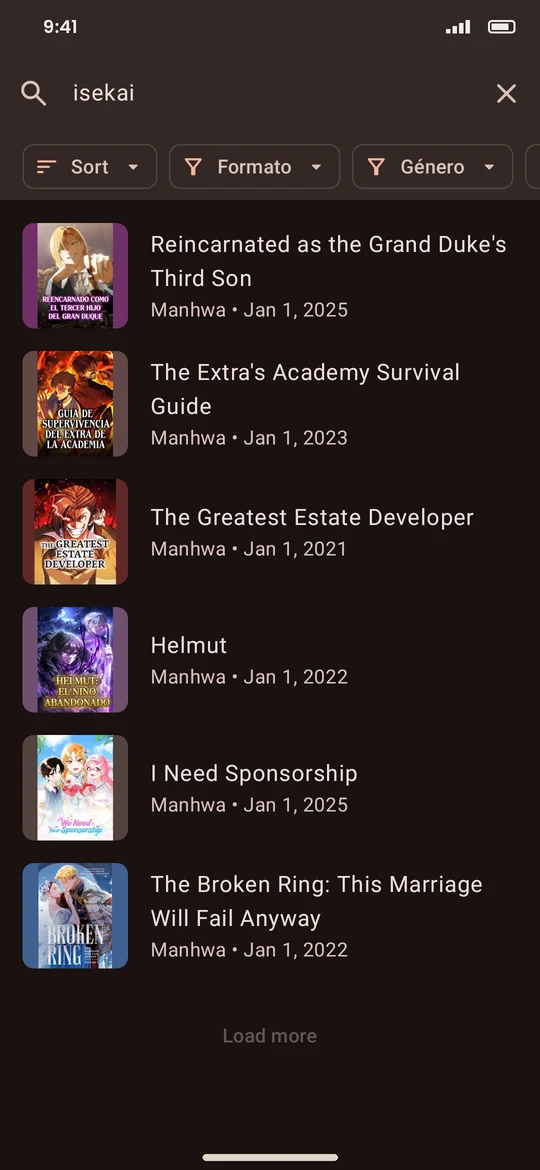
Find your next obsession

Search with filters

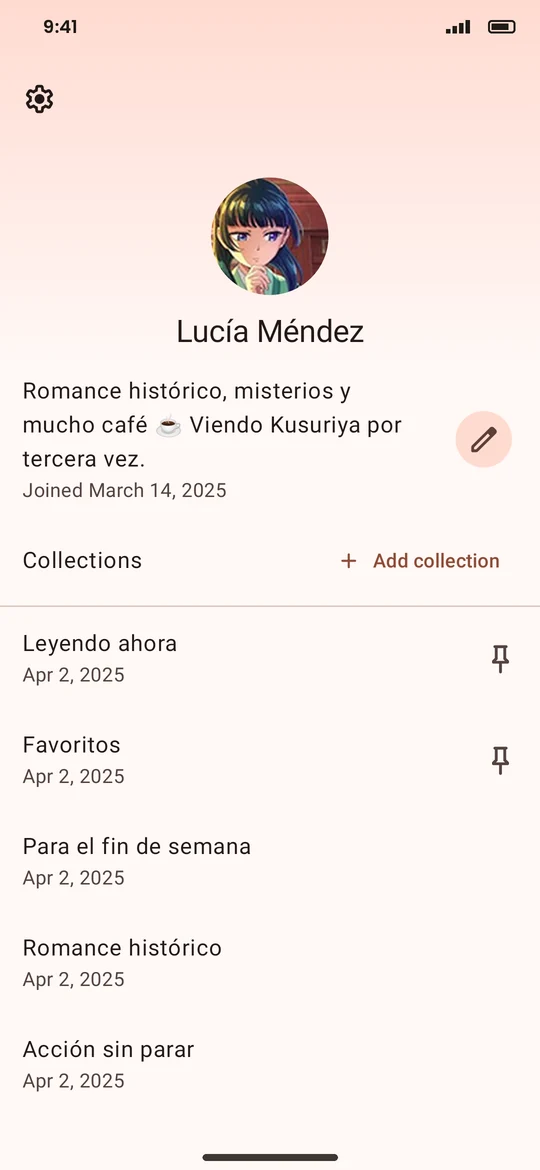
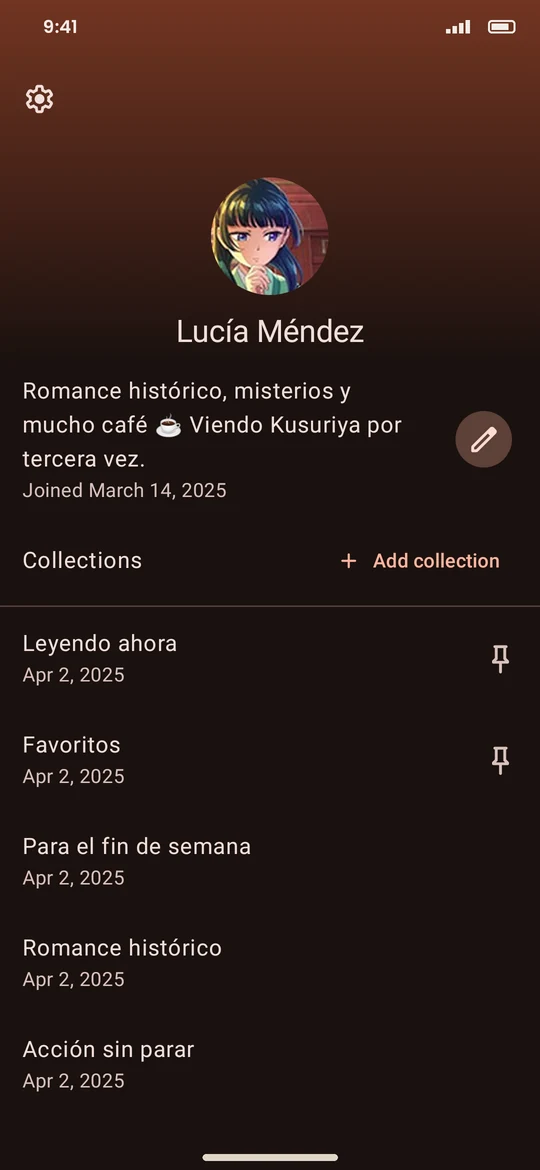
Your profile, your collections

Your profile and collections

Join our community

+426.5K
Download Pandora(17 MB)

How to install it

  1. 1

    Confirm the download

    If your browser warns that the file can harm your device, tap “Download anyway”.

  2. 2

    Open the file

    When it finishes, tap “Open” on the download notice, or find it in Files › Downloads.

  3. 3

    Allow the install

    If Android asks, tap “Settings”, turn on “Allow from this source” and go back.

  4. 4

    Install and open

    Tap “Install”. If Play Protect appears, tap “More details” and “Install anyway”. Then tap “Open”.

If Android says the app wasn't installed, uninstall the old version of Pandora and try again.

Still can't install it? Write to us at [email protected]

Release Notes

Version 4.15.0

Earlier versions

Version 4.14.1

  • At the end of the chapter or episode list you'll now find a button to subscribe and get notified when the next one comes out.
  • Stories, chapters and episodes now show a preview of their top comments, so you can see what others are saying at a glance.
  • You can now jump to the next or previous episode right from Pandora's own player, without going back to the episode list.
  • Episodes now start playing right away from the first available video source. You can still switch sources from the episode menu.
  • The dot next to chapters and episodes now only marks ones released in the last 7 days that you haven't opened yet, so it's easier to spot what's new.
  • Fixed several crashes, including when opening the Terms of Service or Privacy Policy from the sign-in screen, while watching an episode on some phones, and when going back to a chapter you had already opened.
  • Fixed chapter reader comments staying stuck on the first chapter after moving to the next or previous one, and the subscribe button doing nothing when the app's notifications were turned off; it now offers to open the notification settings.

Version 4.13.1

  • Optimized chapter page loading times, for a smoother reading experience.
  • Fixed several issues in the episode player, including one that sent you back to where you started watching after switching video sources or returning from another screen, and sometimes reset your saved progress.

Version 4.13.0

  • Episodes from supported sources now play in Pandora's own player, for smoother, faster playback.
  • The episode player now keeps track of where you left off, picking up automatically the next time you watch an episode.
  • You can now control whether NSFW adult content is shown, with story covers blurred until you confirm your age.